Reducing Our Digital Footprint: Review Your Google Storage

Shed the digital weight. No treadmill required!  Our Google storage guide provides tips and tricks for reducing  your digital footprint in 2026! 

A overflowing drawer filled with jump drive, old files

Reducing your Digital Footprint: Review Your Google Storage

News & Announcements

Screenshot a Google Slide show with Grackle Slide open in a side panel.
Instantly Check Accessibility in Google Apps

Identify and correct digital accessibility issues in the Google suite

January 6th and January 26th are circled to show start of semesters
Activate Brightspace courses before the semester begins!

Winter & Spring '26 Brightspace Course shells available for Instructors ONLY.  In order for students to access course sites they must be active.

Windows 10 End of Life
Windows 10 support ends 10/14/25

Upgrade to Windows 11 to ensure that your machine remains secure and has the latest updates

Looking for more updates? Visit our news archives for a complete history of news articles and announcements.

We're Here To Help

From workshops, to phone assistance, 24/7 system status and self guided support - we are here for you.


Get Assistance

If you are experiencing an outage, check our IT Systems Status Page to see if there are any reported issues or maintenance events.

For emergency questions or account issues, call for 631-632-9800 during our normal business hours [Monday - Friday 8:30AM - 5:00PM] for assistance.

For other issues or questions, submit a help ticket.

Learn something new

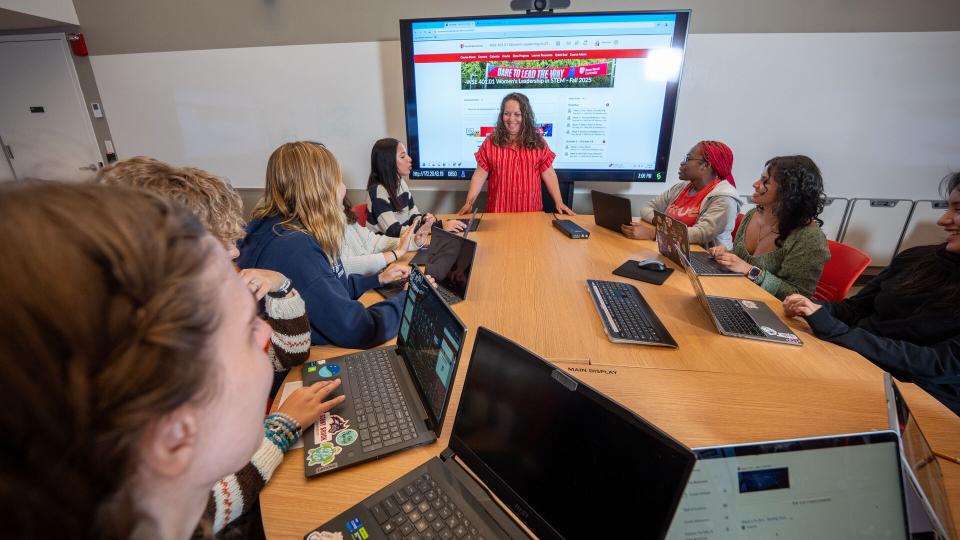
Join a Mini Bytes (~30 minutes online workshop) and hands on workshops that cover a variety of topics/tools that support collaboration & teaching and learning. Our workshop catalog includes topics on AI, Brightspace, Google Apps, Programming Languages, Zoom and more! Subscribe to our events calendar for updates! 

Self Guided Support

The DoIT Service Catalog provides access to over 130 different platforms, tools and products available to our faculty, staff and students. Each offering includes relevant links, guides, resources, FAQs and support information.

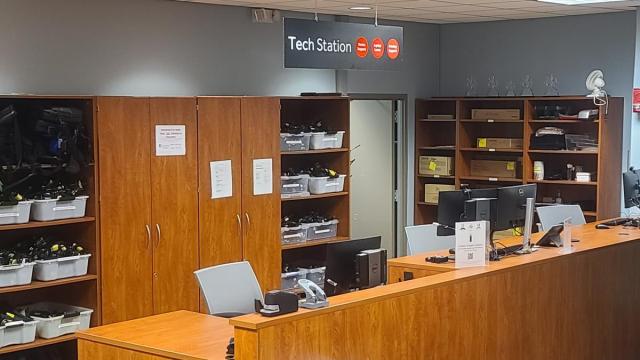
Visit a Tech Station

Conveniently located service centers for technology support in ECC (Room 128) & Melville Library Tech Station (S1460) , students, faculty, and staff can schedule a time to receive assistance with their technology issues or answers to their questions. 

Initiatives & Teams

Learn about DoIT Key Strategic Priorities, Projects and Initiatives

Innovate to Elevate

Stony Brook University's Department of Information Technology (DoIT) is on a mission to bridge the digital divide and empower every member of the university community.

PIE Awards

The PIE Awards aim to encourage the campus community to recognize both individual employees and team achievements within IT-related initiatives that support the University's mission and goals.

Student Employment

Several DoIT areas employ student workers. These positions, open to any SBU student, allow students to gain valuable experience while working and students enrich DoIT teams with their perspectives and experiences.