

Evaluating Students with a Rubric
After you have created a rubric and attached it to your activity, you can provide feedback to your students with your rubric by following these steps:
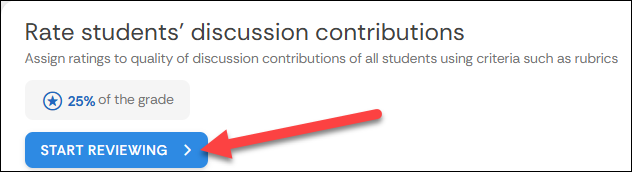
- In your activity, go to the Rate students' discussion contributions section, and select Start Reviewing
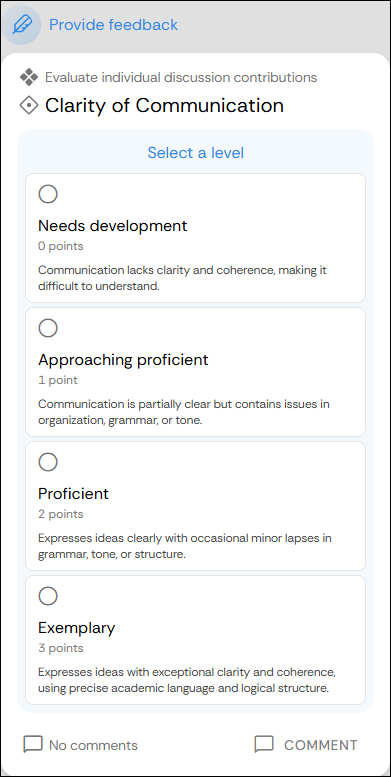
- This will open a screen where you can view your students' work. To the left of your screen, you can view each rubric criterion, and you can decide which level of the criterion the student achieved.
- If you would like to add a comment explaining your rating of each students work, a comment button can be found at the bottom of each criterion.
Supported By
Academic Technology Services
(631) 632-9800