

Searching for Space in 25Live
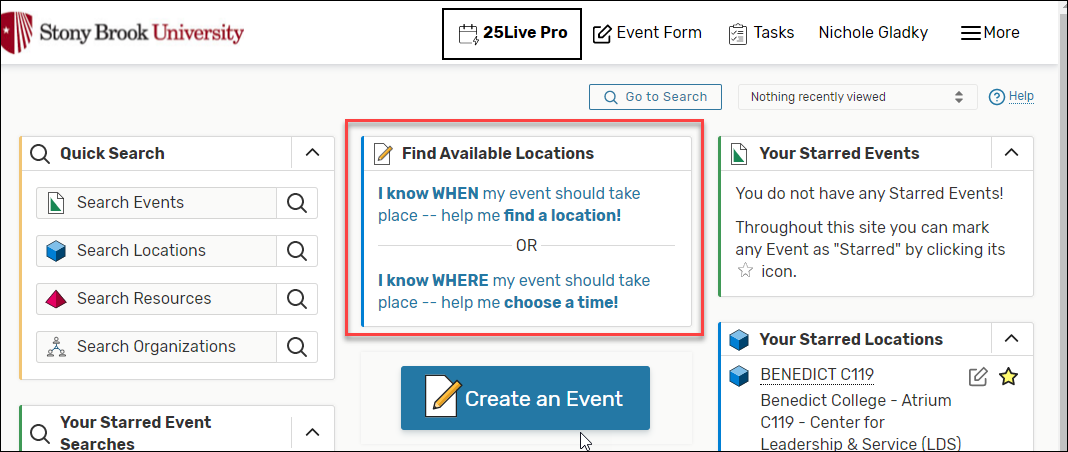
- From the main 25Live homepage, in the Find Available Location box, select the appropriate link to search for rooms available by WHEN or by WHERE
- Selecting I know WHEN allows you to find an available space based on your preferred date/time:
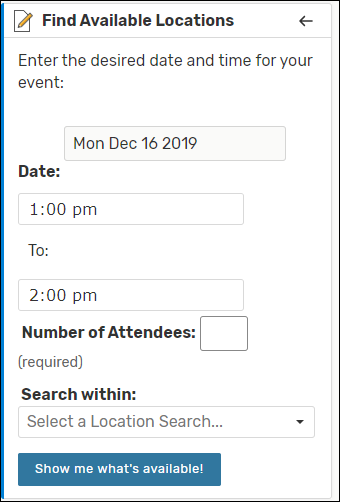
- Complete the fields (Date, Start Time, End Time, Number of Attendees, search within), and then click Show me what's available.
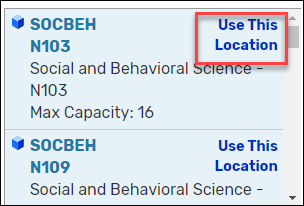
- Click Use This Location next to the location you'd like to reserve.
- Complete the fields (Date, Start Time, End Time, Number of Attendees, search within), and then click Show me what's available.
- Selecting I know WHERE allows you to select a space based on your preferred building/room location
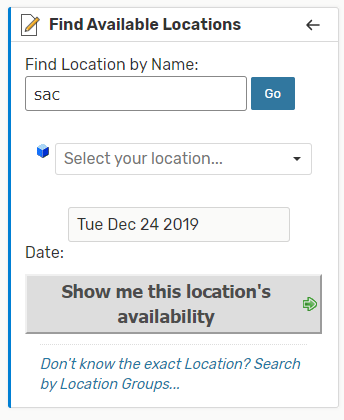
- Type in the name of the location, and select click Go.
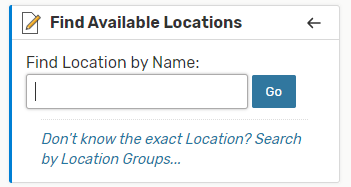
- You will be prompted to enter the desired location and then click Show me this location's availability
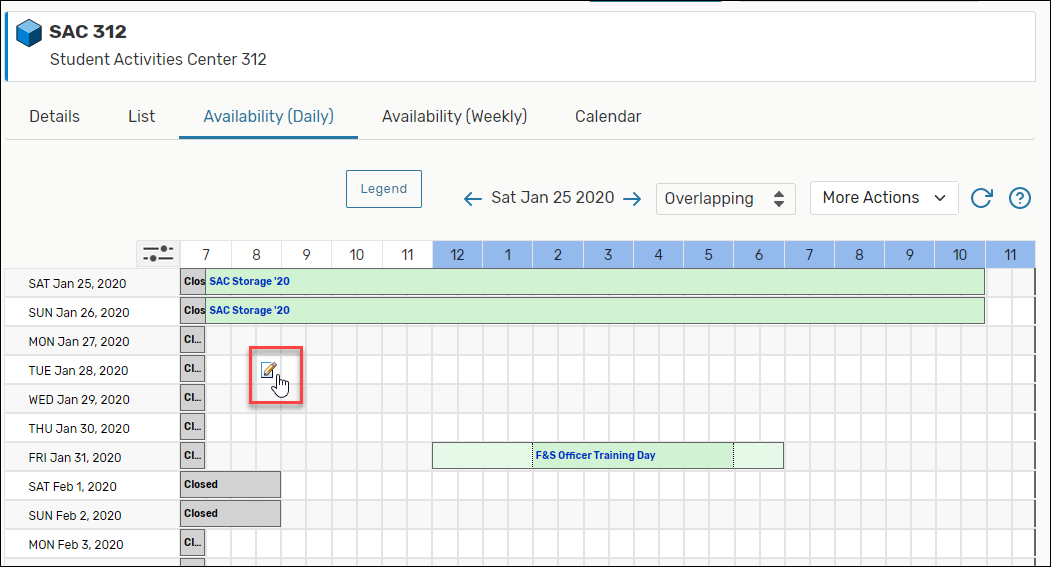
- In Availability (Daily), you will see blocked out days/times used for Holidays or maintenance as well as early morning/late evening times that are closed. Hover over a free/white space and click on the pencil icon to reserve your time in this room.
- Type in the name of the location, and select click Go.
- Selecting I know WHEN allows you to find an available space based on your preferred date/time:
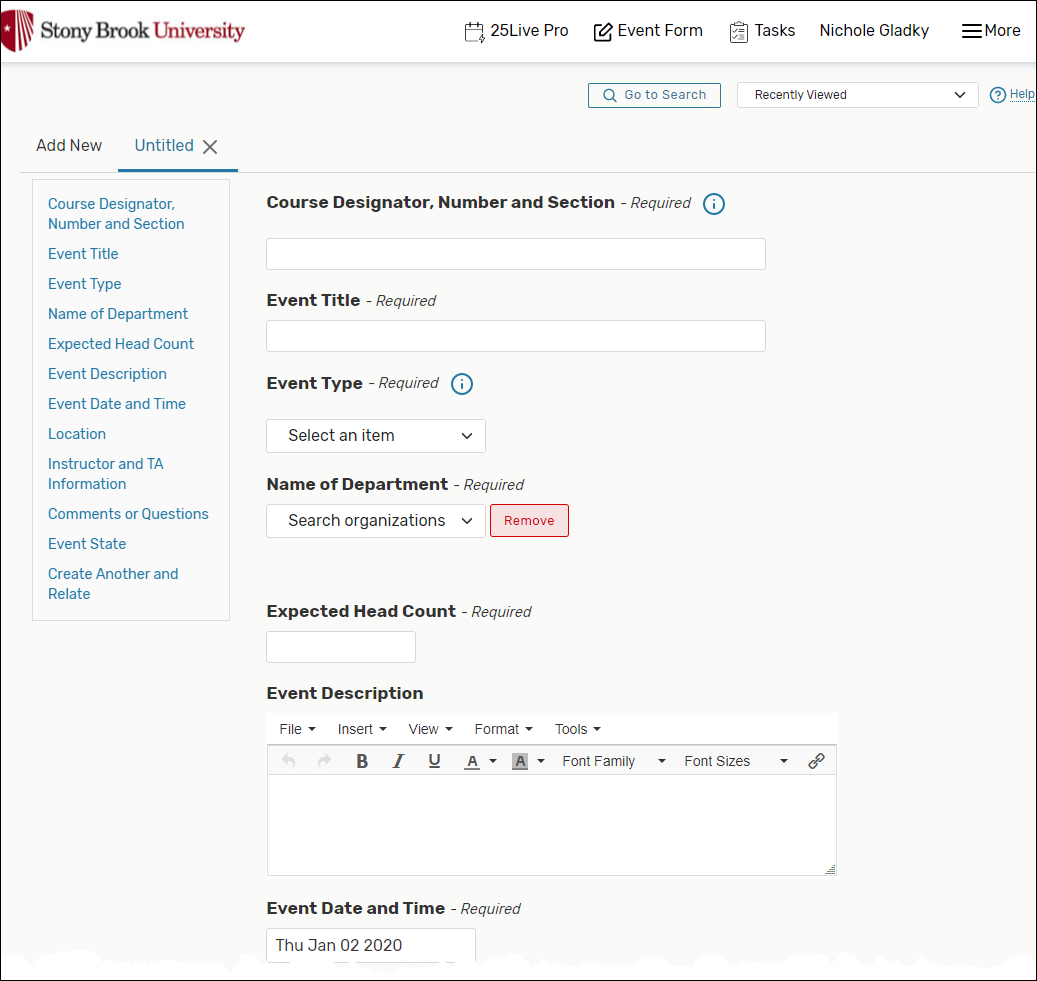
- Then fill out all the details in the of your event in the form provided and click Save when finished.
Supported By
Registrar's Office
(631) 632-6175 (Option 1)