

Finding Your AIP Documents
While looking at your Tracked and Revoked documents, if Your Shared Documents screen shows "No search results found" click the X next to "Showing only documents named:..." to remove the filter and
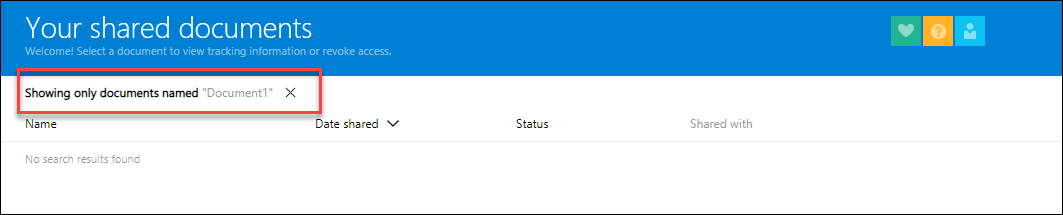
to see all of your previously shared documents:
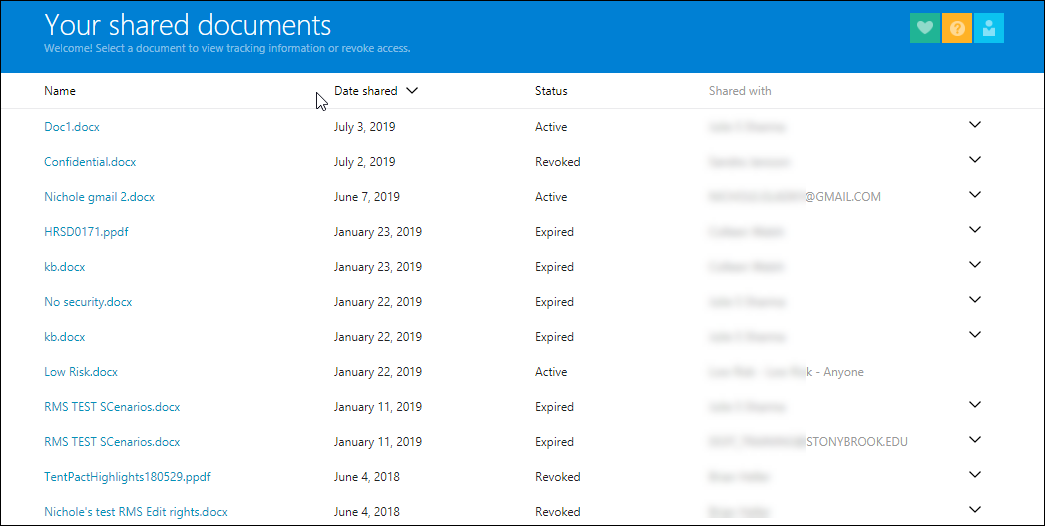
This generally happens when you open a new blank document, workbook or presentation and then go to Protect > Track and Revoke.
A better way to see your protected documents is to sign in to https://track.azurerms.com/ with your Microsoft Account.
See Viewing All Protected Documents in Azure Information Protection (AIP) for more information.
Supported By
Customer Engagement and Support