

Viewing the Results of a Qualtrics Survey
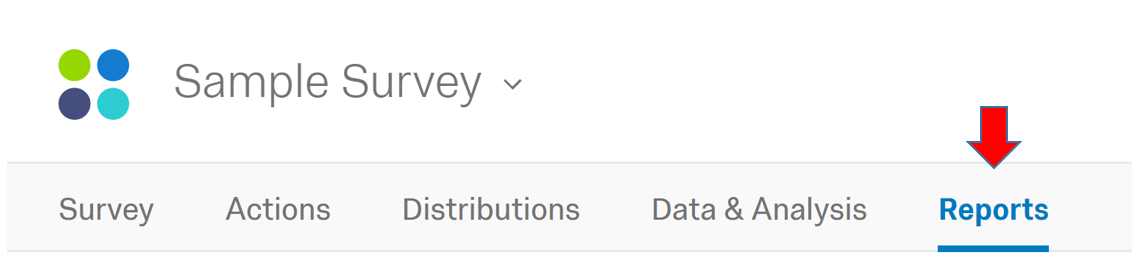
From within the survey you want to view the results for, click on the reports tab. You will see your results when the page loads. You can learn how to download the data by following the KB article Downloading Qualtrics survey results into an Excel (CSV) file.
Supported By
Qualtrics Support
Customer Engagement and Support