

Importing a Custom Grade Scheme
If you have created a custom grade scheme in one course (for example, a Letter Grade scheme), you can import that scheme to another course. This is not the same process as importing other components of Brightspace. This guide explains the process.
- Go into your current course. Click Course Admin. Select Grades and then at the top center select Schemes.
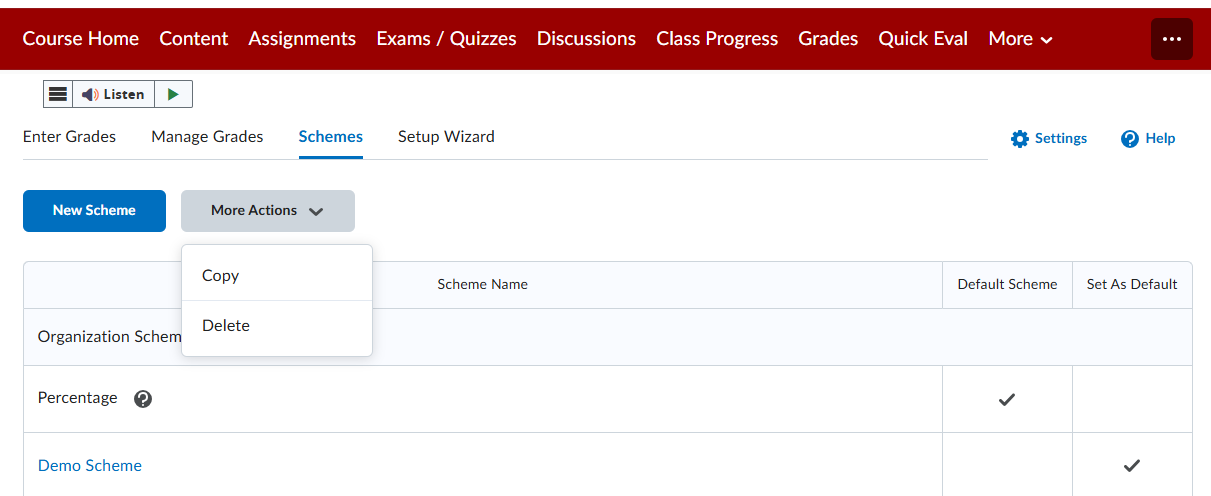
Click on More Actions and select Copy
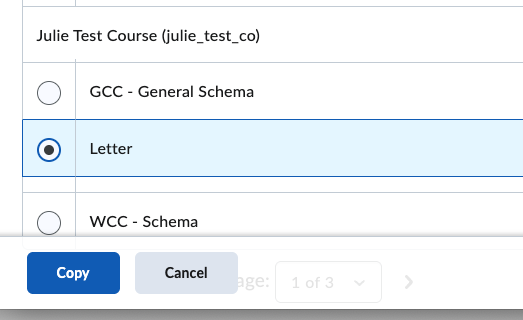
Locate and select the desired custom scheme from your previous course. In this example it’s named “Letter”. Click Copy at the bottom.
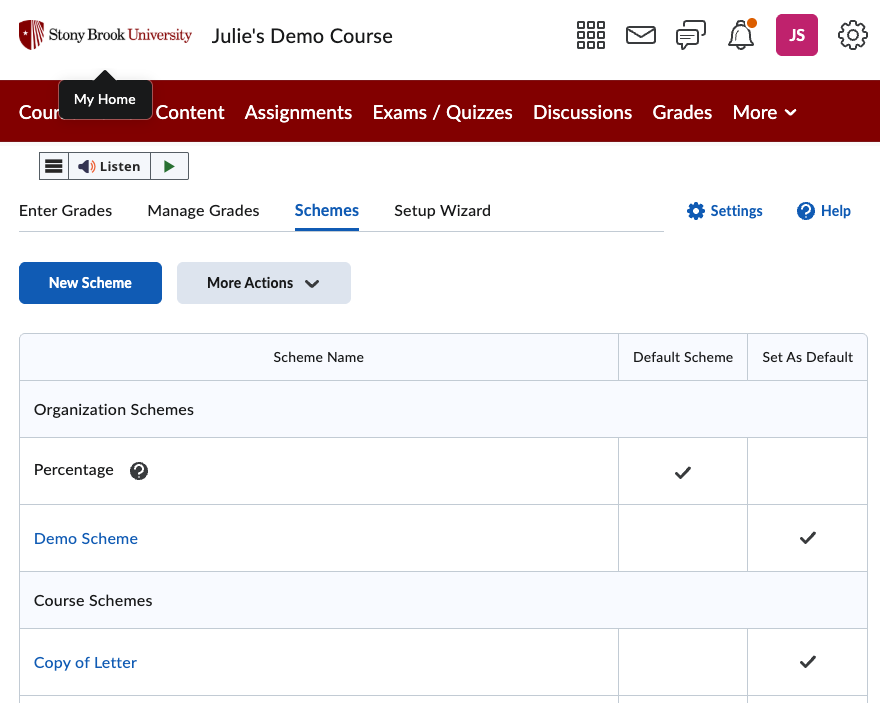
You’ll see a copy on your list of available schemes. Here it is titled “Copy of Letter”. Click on the scheme name to edit or rename it.
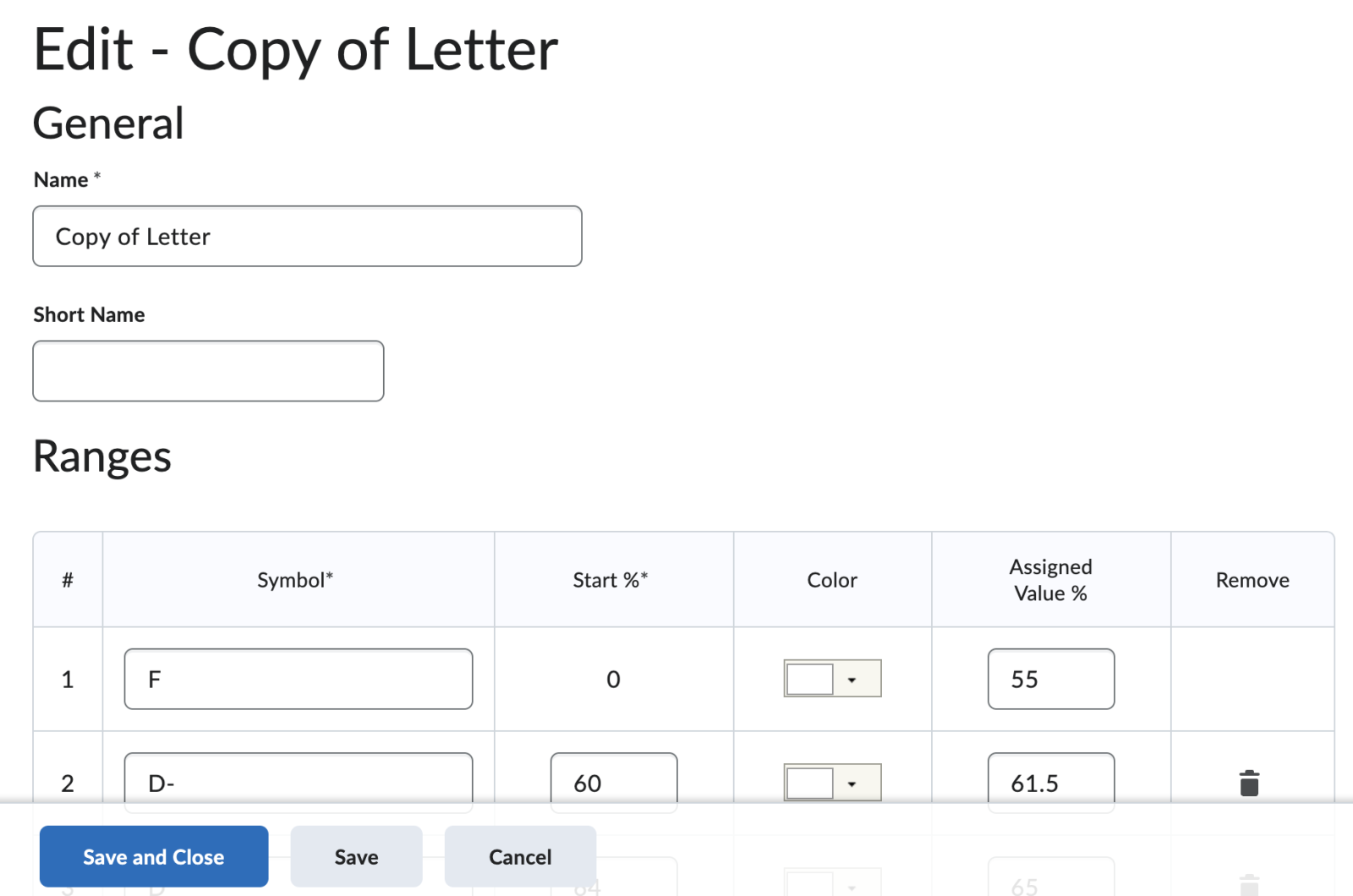
Make edits to the name or the grade scheme. Click Save and Close when you are finished. This scheme is now available to apply to your grade categories and items in the current course.
Contact
Academic Technology Services
(631) 632-9800
Brightspace Support via SUNY Helpdesk
Phone: 1-844-673-6786