

DoIT Yourself: Guides & Best Practices for Classroom Technology
Want to know more about how to use teaching & learning tools found in General Purpose Classrooms? Or provided over-the-counter from one of our Support Offices? Use the links below to access guides for commonly used devices and tools.
This page only contains information about specific devices and Best Practices when teaching in a General Purpose Classroom.
If you would like to view instructions on the media system in your room, please follow this link to our homepage.
Classroom Accessories
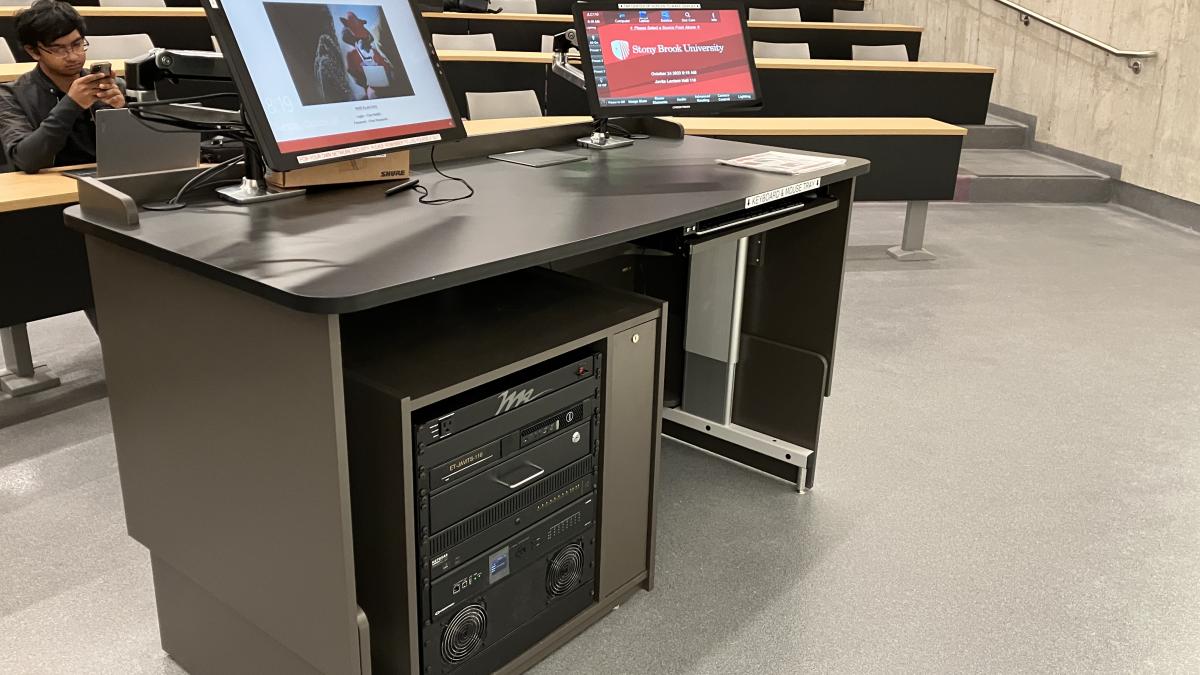
Here you can find guides on how to use common classroom accessories and peripherals.
In-Room Devices
Browse this area for information on commonly asked questions about technology featured in many* General Purpose Classrooms.
*follow this link to view our spreadsheet on technology capabilities in our supported spaces.
Over-the-Counter Equipment
In this section, you can find user-friendly guides on how to make use of devices that are offered by reservation from a Classroom Technology & Support Solutions office.
Learning Space Specific Guides
Here are guides on how to use equipment in specific supported Learning Spaces.
For More Information Contact
Classroom Technology & Support Solutions West Campus
(631) 632-9800 (Option 3)
Classroom Technology & Support Solutions HSC
631-444-3230
Additional Information
Files & Links