

Processing Documents Out of a workflow Mailbox "Step" Queues
You can process documents from the workflow mailbox "Step".
- Navigate to Workflow section within OnBase

- Select the workflow mailbox “Step” of documents pending review and processing.
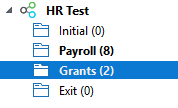
- Select a document to begin processing
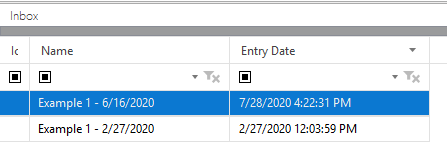
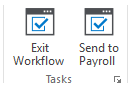
- Perform the department-specific required work (in most cases using a third-party system like PeopleSoft) and, when done, perform an action on the document to move it into the next “Step” of the workflow process.
- Repeat process for all documents in the workflow Mailbox “Step”.