Turning off the Proxy Setting on an Android Device
There is a potential issue with Android devices where a proxy is set by an app or an update. This will interfere with your Wi-Fi connection and you will need to turn it off. There may be slight variations to these instructions due to different devices having different manufacturers.
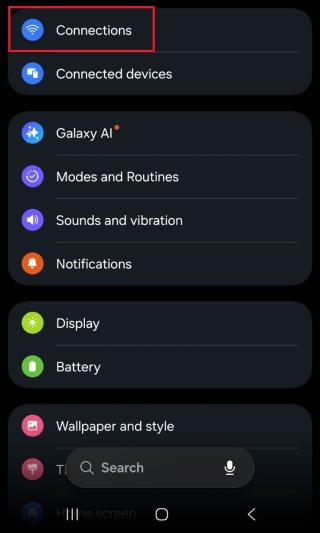
Open the Settings app on your Android device.

- Navigate to Connections towards of the top of the list.
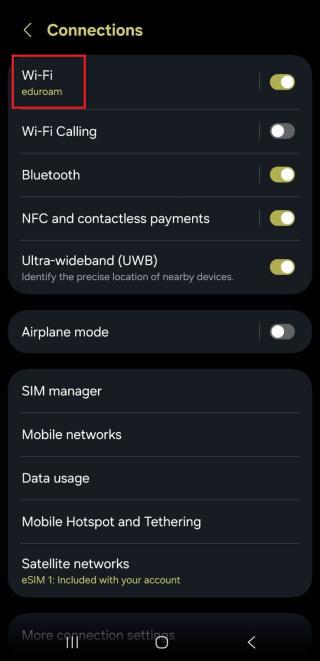
- Tap on Wi-Fi.
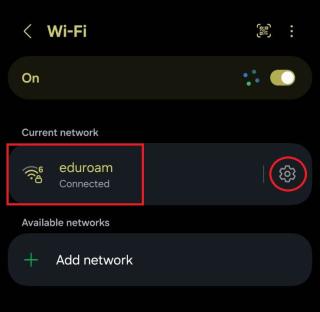
- Find Eduroam (or the Wi-Fi network you're currently connected to) in the list and then tap the Settings/Gear icon next to it.
- Tap View more at the bottom of the screen.
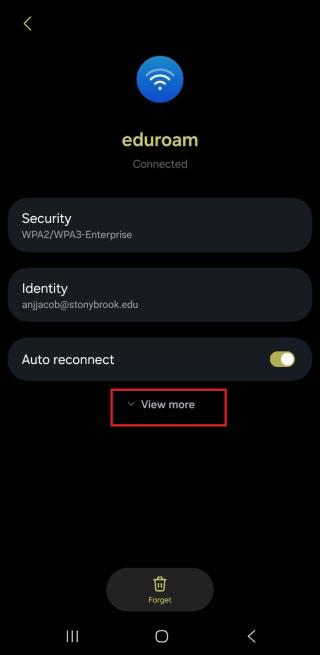
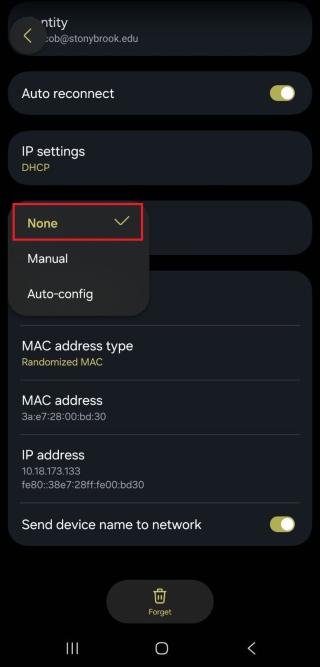
- Scroll down and tap on Proxy - this will display a dropdown menu.
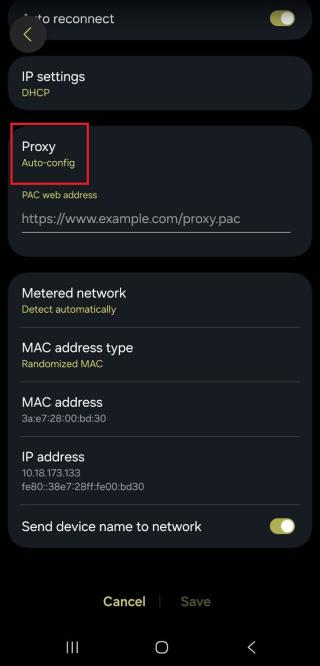
- Select None from the options. Your Proxy should now be turned off in the settings.