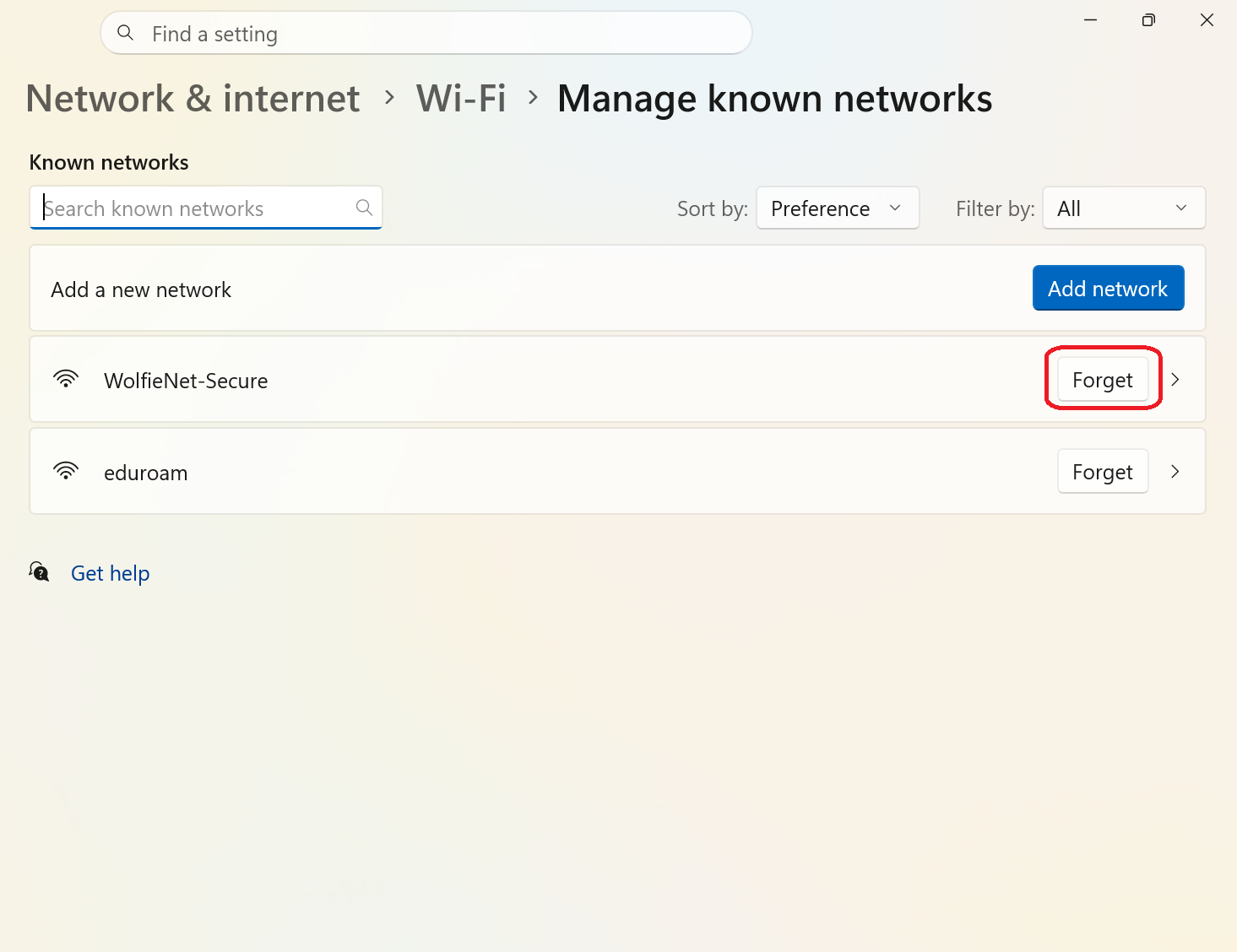
Remove or Forget a Wi-Fi Profile on Your Windows Device
Your device saves a profile for each Wi-Fi network you join so it can reconnect automatically in the future. Occasionally, changes to the network or its security settings can cause an older profile to interfere with your connection. Deleting outdated or unused Wi-Fi profiles can help ensure a smooth connection experience.
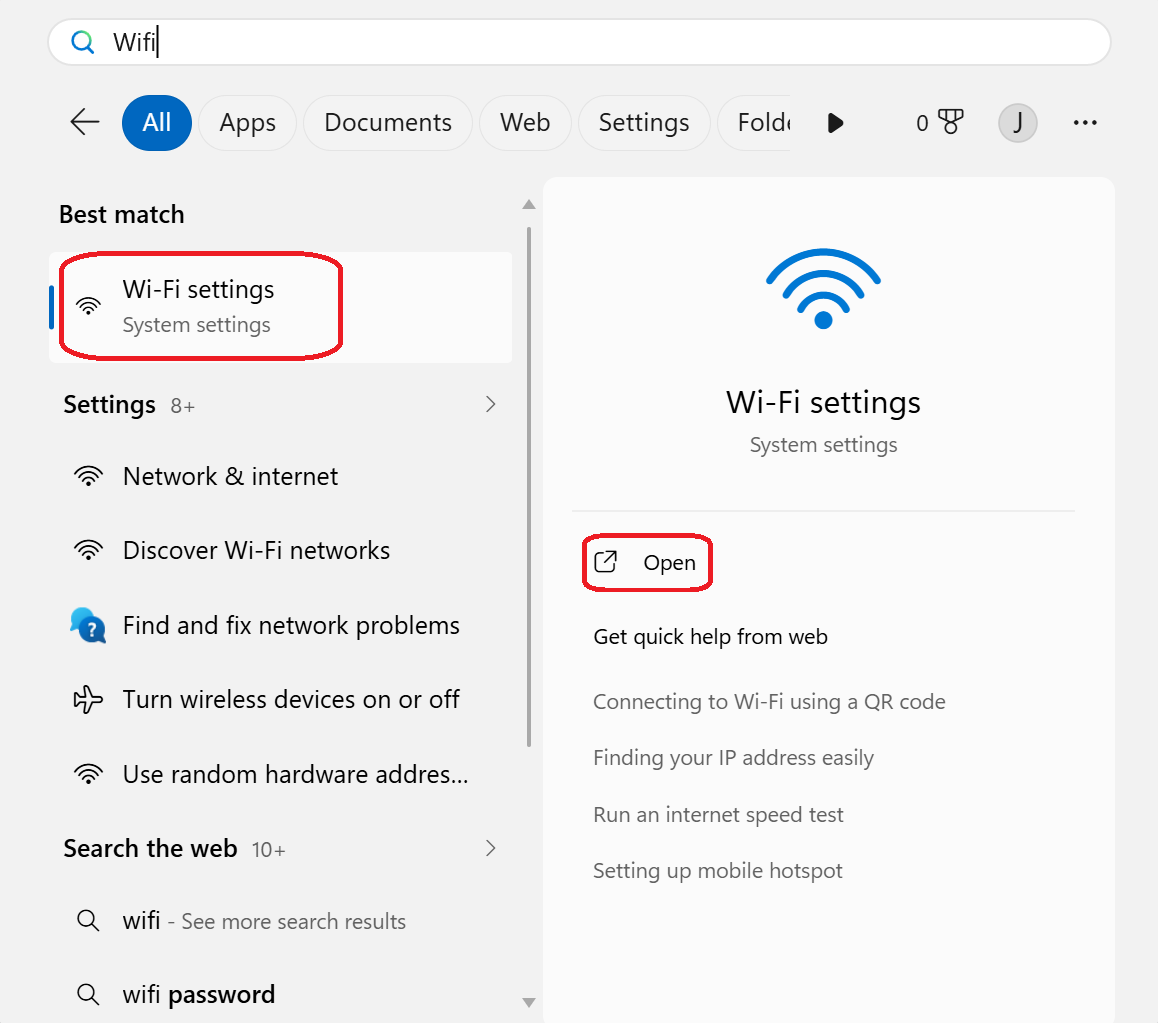
- Press the Windows key ⊞ on the bottom left of your keyboard and type Wifi in the search bar. Select Wi-Fi Settings, then click Open.
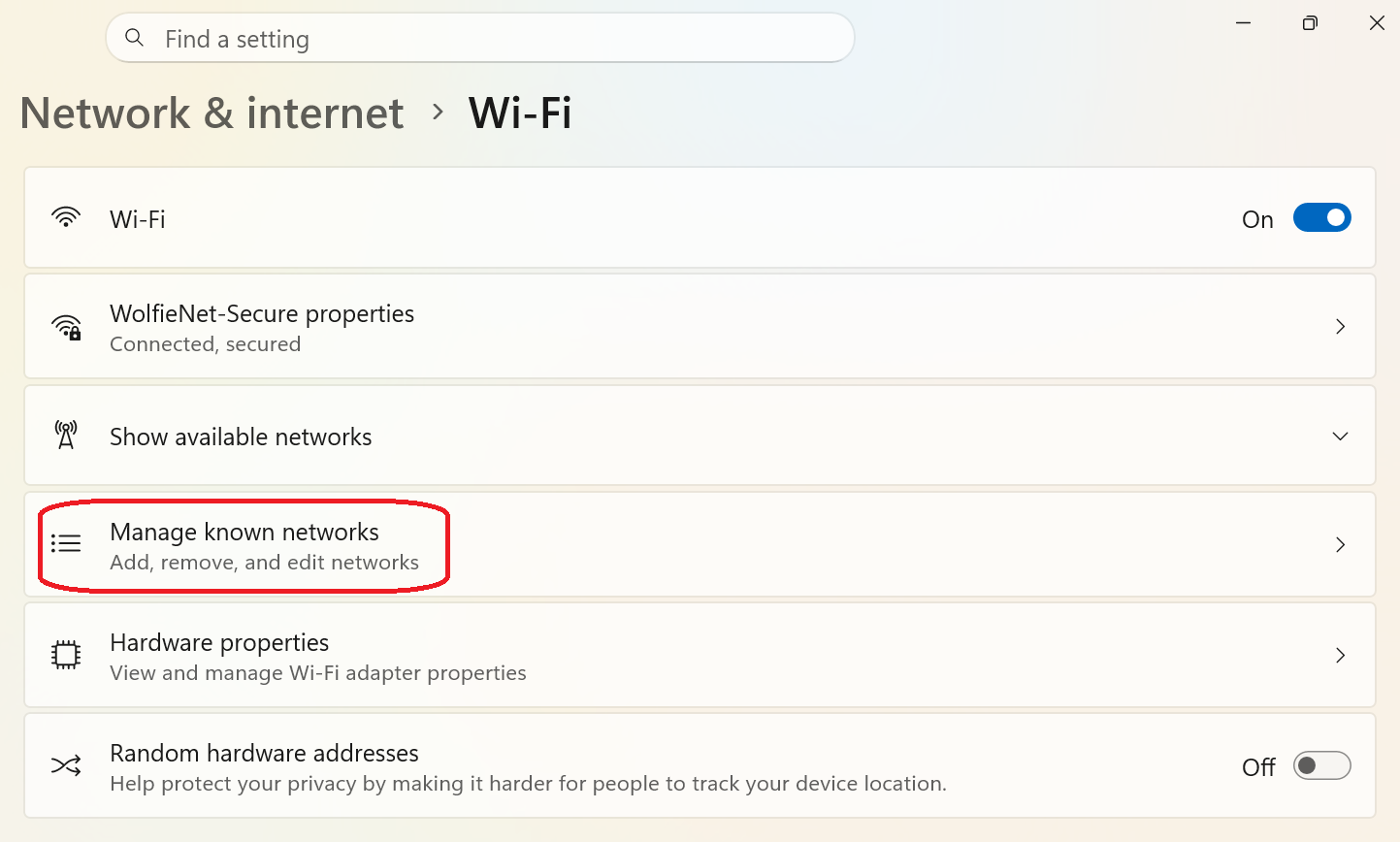
- Click Manage known networks.
- Click Forget next to the network you want to forget.