How to self-enroll users in Discover
Self-enrolling users in Discover allows learners to join courses on their own without admin intervention. This feature streamlines access to learning content and increases user engagement. With a few simple steps, administrators can enable and manage self-enrollment options.
Below are the steps to do so.
- Login to Brightspace at brightspace.stonybrook.edu using your Stony Brook NetID and password
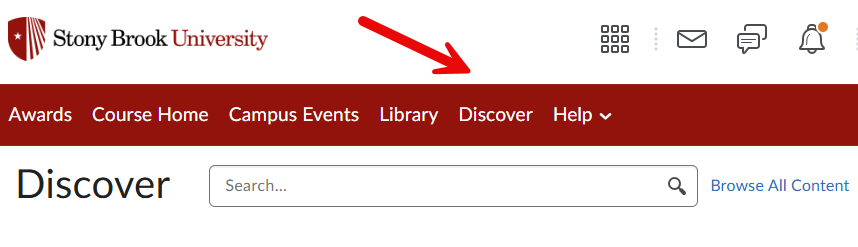
- On the Brightspace homepage, along the red navbar at the top of the page, click Discover
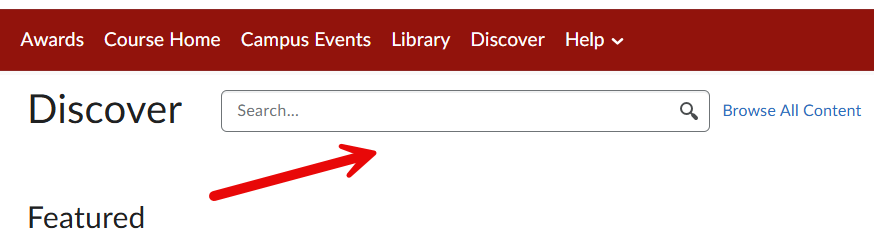
- Search for the course you wish to self-enroll in
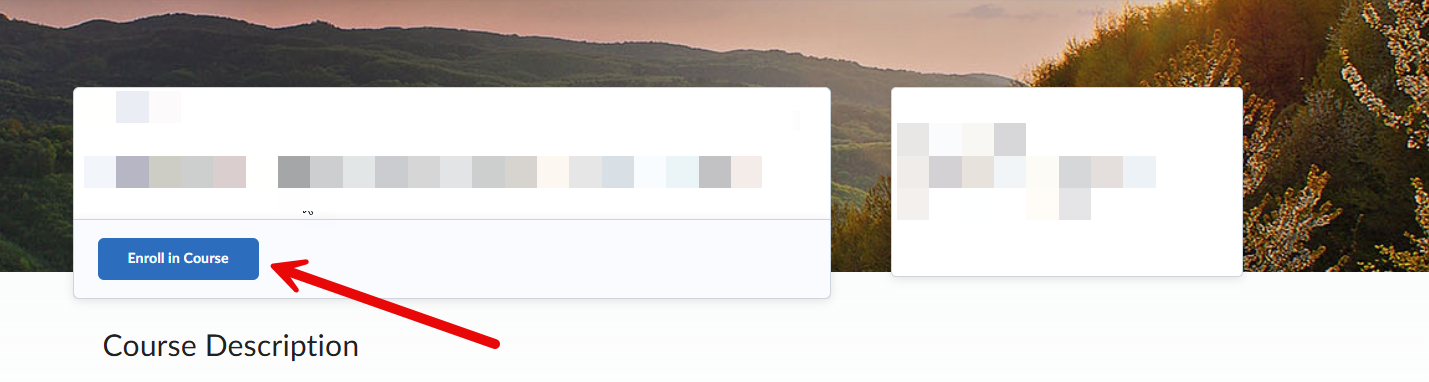
- Click the title of the course, and then the blue button Enroll in Course
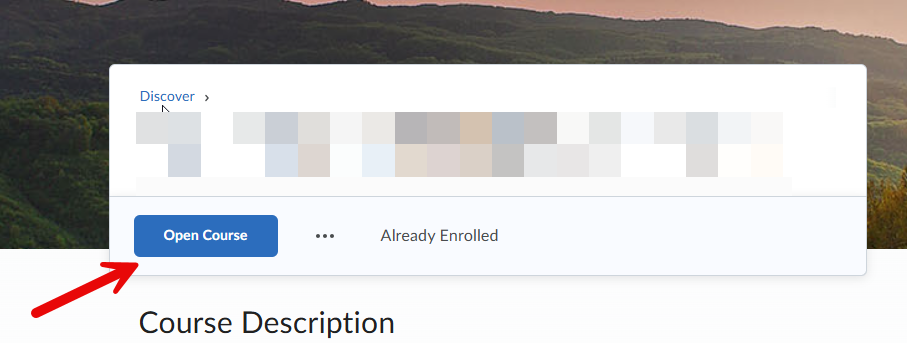
- Click the blue Open Course button to enter the course and complete materials
TIP- If you want to return to the course after enrolling, you can:
- Login to Brightspace at brightspace.stonybrook.edu using your Stony Brook NetID and password
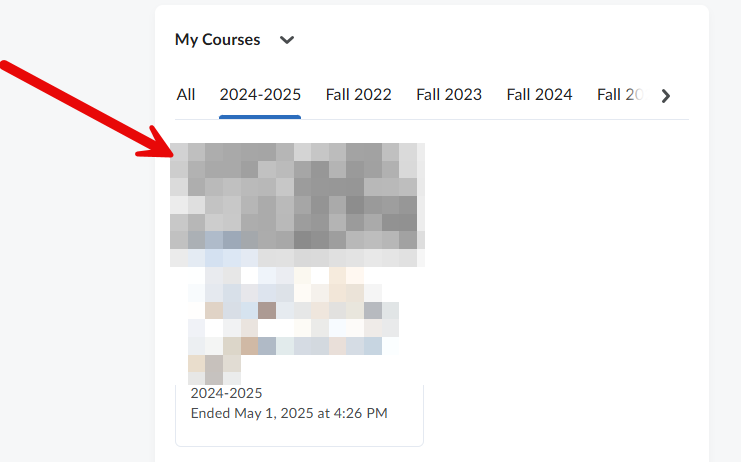
- On the homepage, in the My Courses area, navigate to the semester for your course
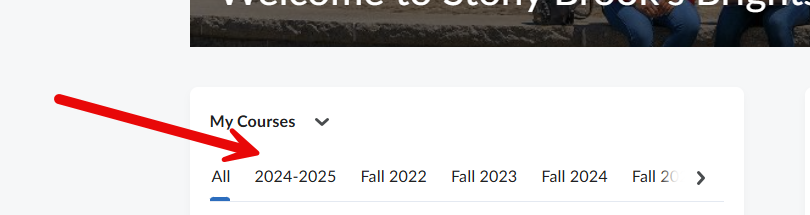
- Click on the your desired course